v1.62.0Released
Choose which emails you get
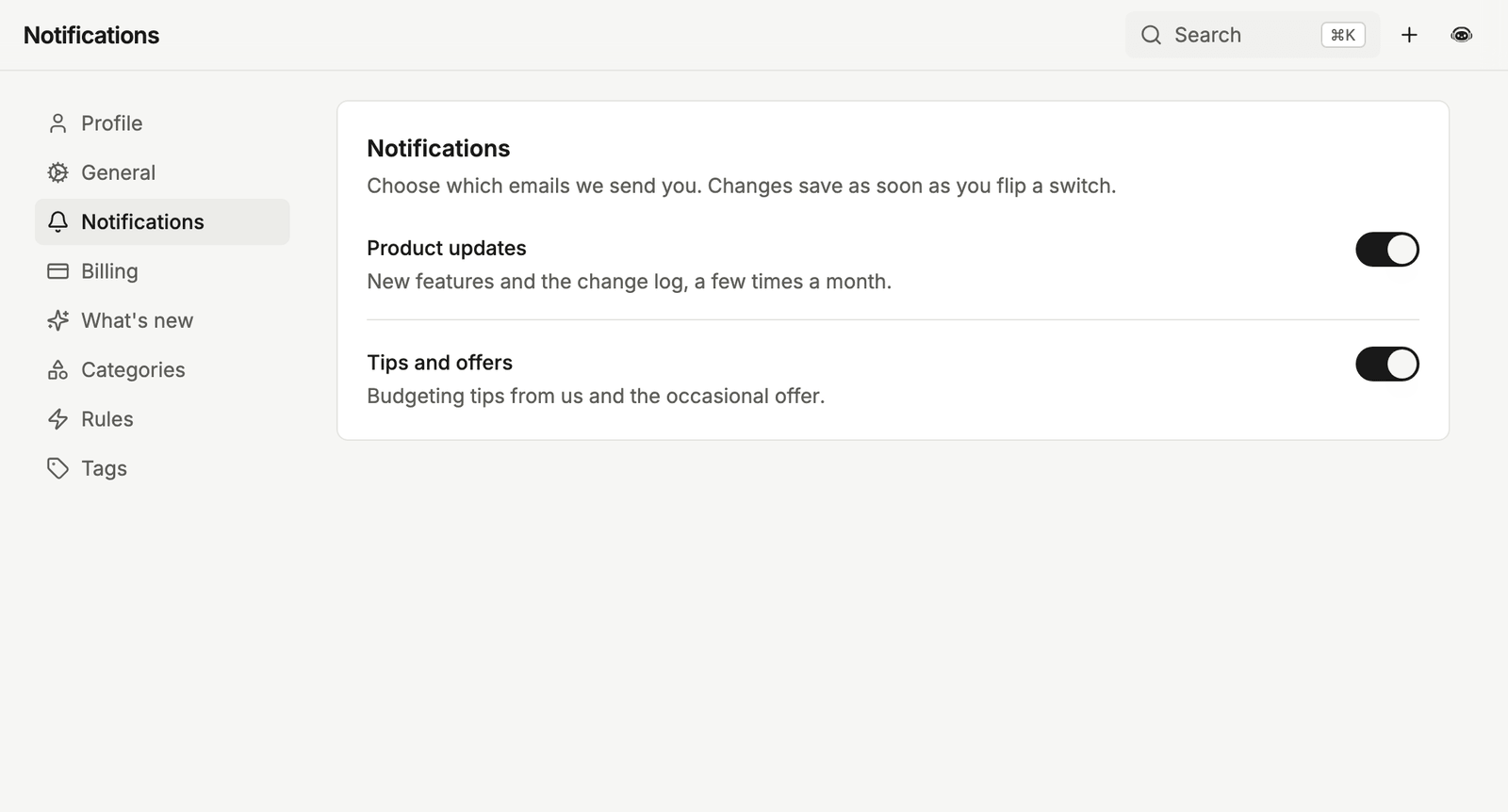
Settings has a Notifications page where you pick which emails Copia sends, and every update or offer email now has a one-click unsubscribe. Category edits stay put through bank updates, and card refunds no longer count as debt payments in your budget.
You can now decide which emails we send you, and the categories you fix stay fixed. Mobile changes arrive with app version 1.62.0.
- Settings has a new Notifications page with a switch for product updates and one for tips and offers. Changes save as soon as you flip a switch.
- Every update or offer email has an unsubscribe link at the bottom that works without signing in, and your mail app's own Unsubscribe button works too.
- Emails about your account, billing, security, and bank syncing still always arrive.
Transactions
- A category or merchant you change now stays put when your bank updates that transaction.
- A pending charge no longer counts twice after it posts.
- Venmo, PayPal, and other payment-app transfers land in Transfers instead of Uncategorized.
Budget
- A refund or statement credit on a credit card no longer counts as a payment toward that card, so Total Actual and Remaining stay right.
Improvements
- Nightly jobs, such as refreshing recurring bills and Mina's market rates, now run every night instead of sometimes skipping days.
- Steps that run in the background after you act, such as emails and receipt processing, now retry on their own, so one failing step no longer makes another give up early.