Photo import
Photograph a receipt, purchase, or statement and Copia reads the rows, suggests categories, and imports them into your ledger.
1 min read
The Problem
Bank sync drops. Cash does not sync at all. Sometimes the fastest record you have is a paper receipt or a statement on your phone, and typing every row is the thing that makes people stop tracking.
What it is
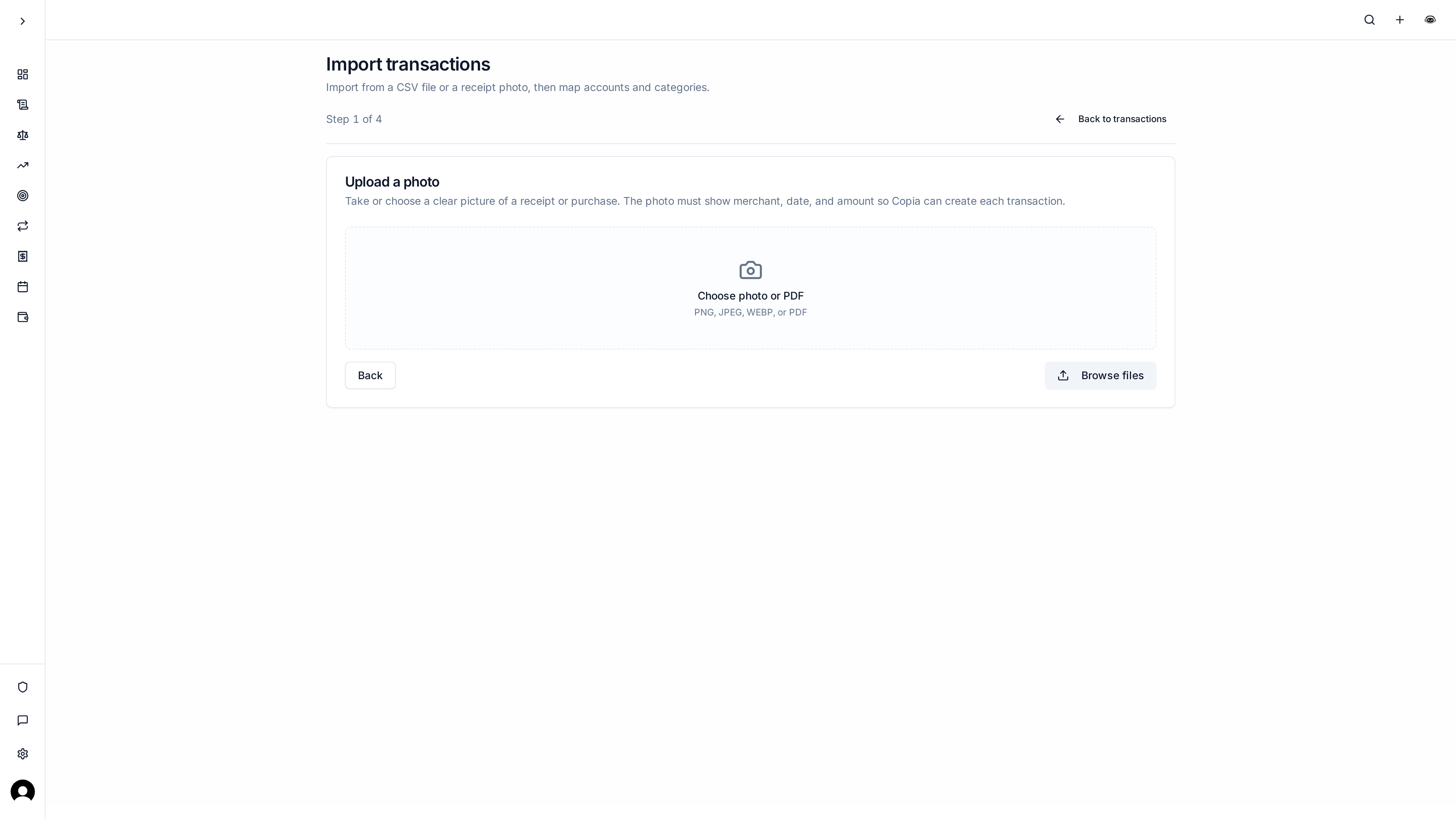
From Transactions, choose Import and pick Photo. Upload a PNG, JPEG, WEBP, or PDF (or take a photo on the mobile app). Copia reads merchant, date, and amount, suggests subcategories from the ones you already use, and asks you to confirm messy merchant names so they match names you already have.
You review the list, pick the Copia account, and import. When that bank later syncs the same purchases, Copia works to match them instead of creating duplicates.
Photo import is part of the $4.99/month plan. CSV import stays on the free plan.
Why it matters
A flaky connection or a cash purchase does not have to mean a blank week in your budget. You capture what you have, then keep going.