v1.57.0Released
A dashboard that shows what is coming
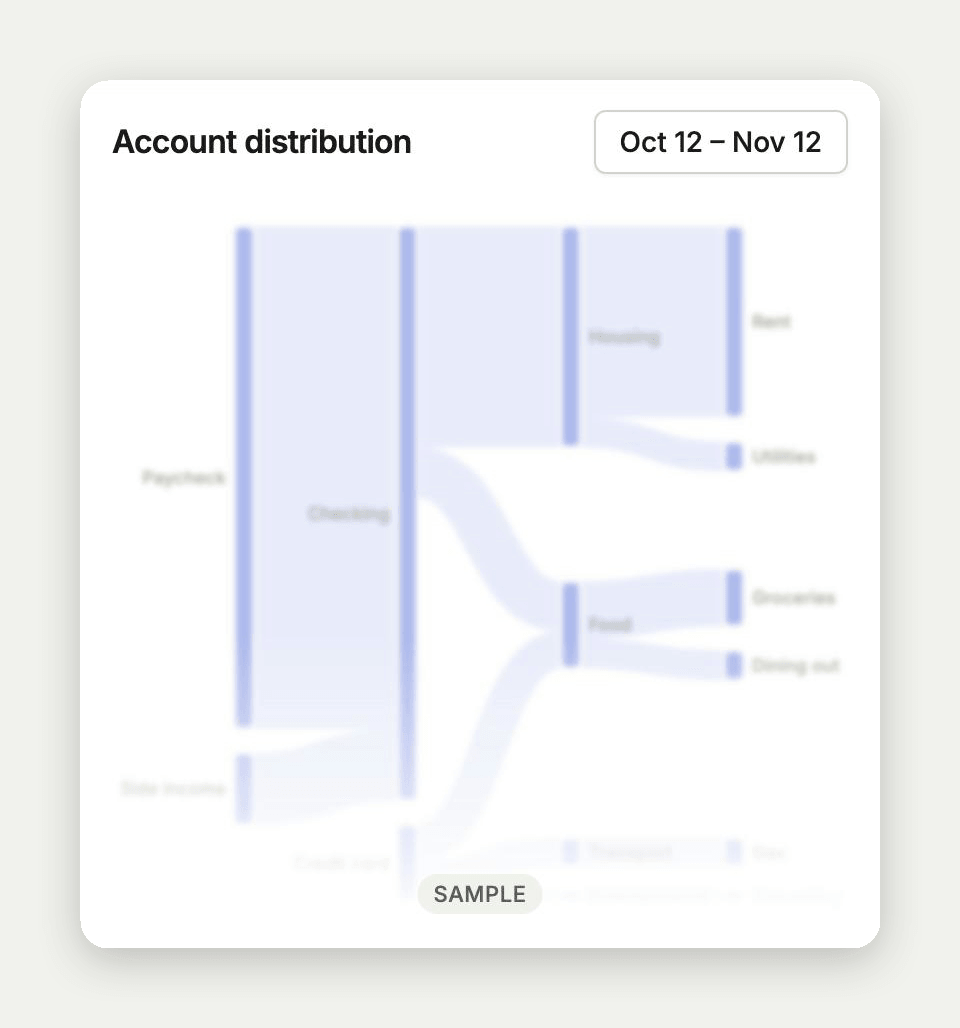
Before your first transaction, empty dashboard cards show a faded sample of what they will look like. The iPhone app can start a subscription, setup is smoother, and recurring charges load again for everyone.
Also released that day: v1.57.1
A brand new dashboard used to be a wall of empty cards. Now you can see what each one will show before your accounts are connected.
Dashboard
- Before your first transaction, cards that would be empty show a faded sample of what they will look like, marked Sample. Once your own numbers arrive, the samples go away. This arrives in the iPhone app from version 1.57.0.
iPhone app
- Start a subscription from the app. Billing, setup, and Insights open checkout right in the app.
- You can sign out from any step of setup.
- The app no longer closes right after it opens.
- The app no longer crashes on the setup step where you add your first account.
Signing in
- New accounts stay signed in right after verifying their email instead of landing back on Sign in.
Recurring
- Recurring charges load again for accounts whose bank listed a transaction Copia hadn't synced yet.
- When something goes wrong on our side, Copia shows a short error message instead of technical details.
Website
- The change log now goes back to Copia 1.0, with an entry for every early release.